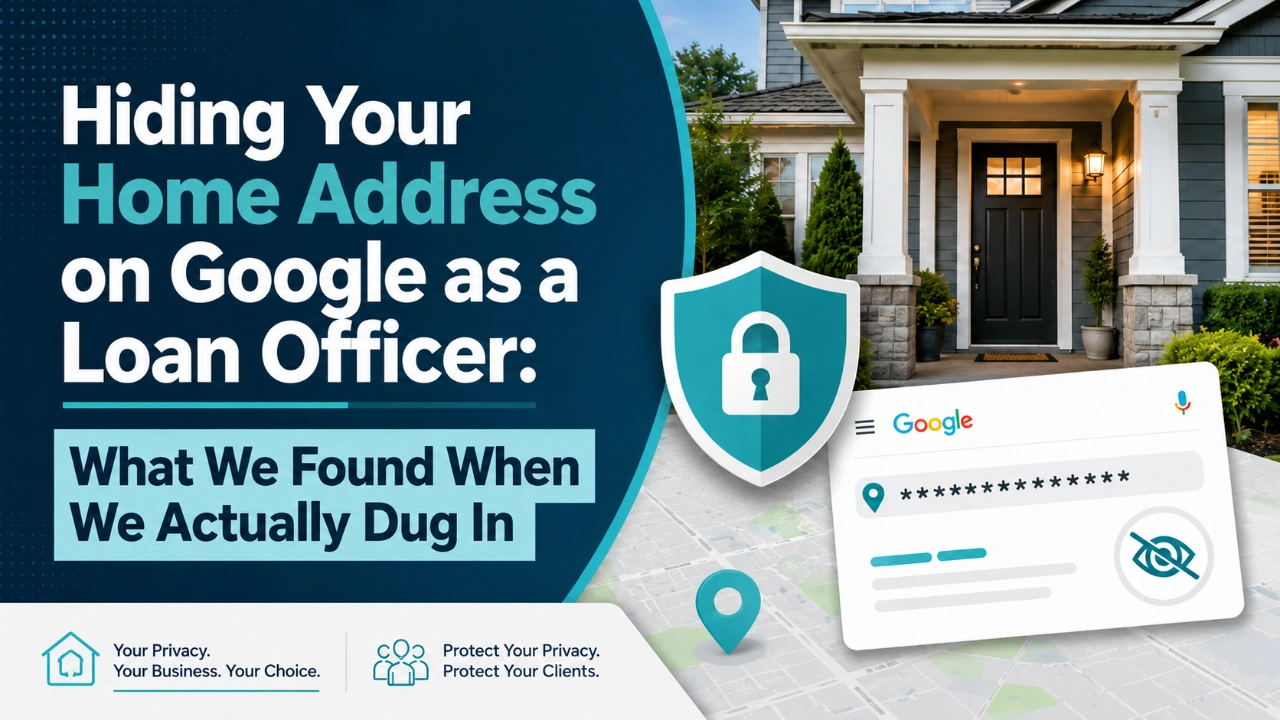
I got off a call this week with a client in Florida — a loan officer — who asked me a question I hear all the time: “Do I have to put my home address on Google? Because I really don’t want it out there.”
It’s a fair concern. He works out of his house. He doesn’t want strangers or random borrowers turning up at his front door, and he definitely doesn’t want his home address living on the internet forever attached to his business. But he also wants to rank — in Google Maps, in the local pack, and especially in the AI answers people are increasingly using to find a mortgage pro.
So the real question underneath his question was: If I hide my address, am I shooting myself in the foot?
I had a general sense of the answer. I knew hiding the address was allowed for a home-based business, and I was pretty sure it wasn’t the disaster people fear. But the deeper mechanics — exactly how Google decides where you rank when there’s no visible address, and how the new AI search tools treat a business like that — I didn’t want to guess at. There’s a lot of confident, contradictory advice floating around on this, and my client deserved better than me half-remembering a blog post from two years ago.
So we dug into it together live on the call. Here’s what we found.
First, the rule we confirmed up front
If you serve customers at their location (or remotely) and you don’t have a real, staffed office that people walk into, Google considers you a Service-Area Business. Plumbers, electricians, mobile detailers — and yes, home-based loan officers — all fall into this bucket.
For a service-area business, Google’s own guidelines say you should hide your address. If you run the business out of your home, this isn’t a preference — it’s the expected setup. You define a service area instead of displaying a street address.
The part that genuinely surprised both of us: showing your home address when you don’t have a public, staffed, signed location is actually a guideline violation. It’s not a clever trick to look more established. It’s the kind of thing that can get a profile suspended. So the answer to “do I have to show my home address” turned out to be the opposite of what he feared — he’s not supposed to be showing it in the first place.
What you do instead is define your service area: the cities, neighborhoods, and zip codes you actually serve. For him, that’s Miami and the surrounding municipalities. On the public profile, people see “Miami” as a region instead of a street address. Private, clean, compliant.
The catch we almost missed about service areas
This is the part where the research changed how I thought about it.
My assumption — and I think it’s most people’s assumption — was that if you set your service area to “Miami,” Google ranks you across Miami. That’s not how it works. The service area you set has almost no impact on your rankings. It essentially just draws an outline on the map. It tells customers where you’re willing to work; it does not tell Google to rank you across that whole footprint.
So where does Google decide you’re located? Your rankings are still anchored to the address you verified the profile at — the one that’s now hidden from the public. Google uses that hidden, verified address to calculate proximity. Your local-pack visibility radiates out from that point, usually in something like a one-to-five-mile circle depending on how competitive the market is.
In plain terms: hiding your address doesn’t move you. The pin is still where you verified. You just stop showing the street to the public.
That turned out to matter a lot for my client. If you live well south of the city but you’re trying to win clients downtown, your ranking gravity is sitting at your house — not at the “Miami” label on your profile. The region you display is cosmetic. The verified location is the engine. So a big part of what we worked out was making sure the place he verified actually lines up with the market he’s trying to win. If it doesn’t, no amount of service-area tinkering fixes that.
The only option to rank in this area will come from content you produce. Location pages, Specific blog articles about miami and laon programs etc, and reviews….
NAP — and why a hidden address doesn’t break it
If you’ve done any local SEO, you’ve heard the term NAP: Name, Address, Phone. I have mentioned this several times in previous articles. The idea is that these three pieces should be identical everywhere your business shows up online — your website, your Google profile, directories, review sites. Consistency builds trust with search engines and AI.
His worry, and honestly a question I’d had myself: “If my address is hidden, doesn’t that wreck my NAP consistency?”
The answer we landed on: no. Hiding your address does not break NAP. What breaks NAP is inconsistency — your name spelled three ways, two phone numbers floating around, or an address that shows up in some places and not others.
For a service-area business, the right approach is simple:
- Name: locked and identical everywhere. No “LLC” on one listing and not the other, no abbreviations.
- Phone: one number, the same everywhere. Don’t let call-tracking numbers fragment this.
- Address: either omit it entirely, or use city/region only — and keep that consistent across every citation.
The real sin is the inconsistent version: address hidden on Google, but the home address quietly published in the website footer or some old directory. That’s the worst of both worlds — you lose the privacy you wanted and you create a NAP conflict. Pick a lane. If it’s hidden, it’s hidden everywhere.
The new layer: how AI actually reads a business with no address
This is the part of the research that’s changed the most in the last year, and it’s really what my client was getting at. People aren’t only Googling “mortgage broker near me” anymore. They’re asking ChatGPT, Perplexity, and Google’s AI to recommend someone. So the question became: can an AI recommend you if you don’t have a street address?
What we found: yes — and the missing address is not the thing holding you back.
Here’s how these systems actually behave. They don’t trust a single source. Before an AI confidently recommends a business, it looks for agreement across multiple independent places — your website, your Google profile, review sites, directories, mentions around the web. When all of those line up and tell the same story, the AI gains confidence and is far more likely to cite or recommend you. When you only exist on your own website with nothing backing it up, the AI treats your claims with skepticism and recommends someone else.
Notice what that’s built on: consistency. The exact same thing NAP was always about. The AI era didn’t kill NAP — it raised the stakes. Your name, your description, your services, your location all need to align everywhere. A clean, consistent entity is what gets you pulled into AI answers.
And for local recommendations specifically, the AI leans heavily on your Google Business Profile. So a complete, accurate, consistent profile that’s clearly tied to a place — Miami, plus the specific neighborhoods you serve — is exactly what lets the AI match you to “mortgage broker in Miami” type questions. You don’t need a street address for that. You need to be unmistakably associated with your service area, in the same way, everywhere.
One more thing if you’re a loan officer: the licensing angle
There’s a layer here that’s specific to licensed mortgage pros, and it caught us off guard too. In Florida, the address you put in your advertising can legally turn that location into a “branch” that has to be separately licensed — and a Google Business Profile counts as advertising. So if you put your home address on a profile that says you originate loans, you may have just advertised an unlicensed branch. That’s a problem that has nothing to do with Google’s rules.
It’s one more reason the hidden-address setup is the right call. The address you display should be a licensed location of your company, while your home stays a supervised remote location on file with the regulator. Keep the home address off the public profile and you sidestep the whole issue.
Big caveat: this varies state to state, and we’re the website and technical side — not your compliance department. Before you rely on any of this, run the specifics past your company’s compliance team or your own counsel. We’ll handle the setup; they’ll confirm it’s clean.
What actually moves the needle (and it isn’t the address)
Here’s the part that reframed the whole call. He came in worried about the address — and the address turned out to be the least important thing on his profile. Two other things mattered far more:
The primary category. This is one of the strongest relevance levers you have, for both the local pack and AI. A mortgage professional listed under a vague or generic category is leaving visibility on the table. I have seen people list as a “consultant” in their GMB.
Get specific — Mortgage broker or Mortgage lender, whatever matches your licensing — and use the secondary categories too.
The reviews. Volume and quality. Both AI systems and the local pack weight reviews heavily. A profile with a couple hundred solid reviews will consistently beat one with a dozen, even if the dozen are all five stars. If you’re starting thin, a steady review habit is probably the single highest-return thing you can do.
The bottom line
So here’s where we ended up, and what I’d tell any home-based loan officer asking the same thing:
Hide your home address. It’s the right call, it’s the compliant call, and it won’t hurt you. Make sure the profile is verified where you actually want to compete, because that hidden location — not the region label — is what anchors your rankings. Keep your name and phone identical everywhere, and never let your home address leak onto the website or a directory. Then stop worrying about the address and go fix the things that actually matter: your category and your reviews.
I’ll be honest — I didn’t have every one of these details memorized walking into that call. We worked through it together, pressure-tested the advice you find online, and came out the other side with a setup that’s private, compliant, and built to show up in both Google and AI. Privacy and visibility aren’t in conflict here. You can have both. You just have to set it up correctly — and most people don’t.
So what is he going to do next?
Figure if he wants to promote himself or his personal brand. Some LOs have a brand or use their name as the brand. Pick one and go full steam ahead with it. Don’t use a cool brand name for yourself in some places and your name in others.
Once that is figured out he needs to setup 50+ business citations (NAP) that match and clean up old ones..
Change his category on GMB to mortgage broker or whatever his license is for.
Then start producing hyper specialized content with our Authority plan.
So after the call we realized his is not ready for Authority yet, once he gets the other items in order we can start the content machine.
Related Posts